Customers
Manage your customer master data, SKU assignments, and commercial configuration.
The Customers page is where you set up and manage the businesses you sell to. Every forecast, sale, and promotion in ProFeT is linked to a customer record.
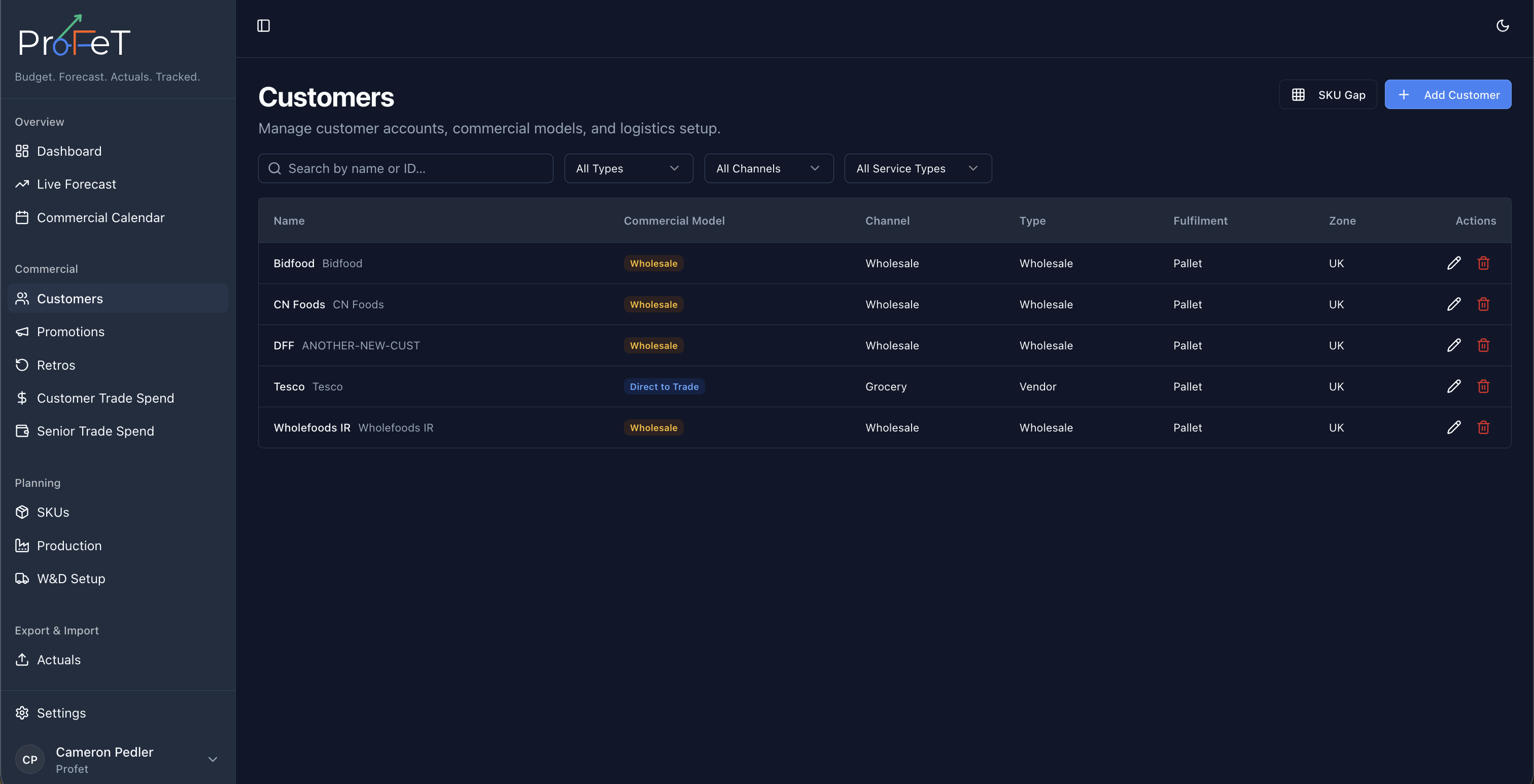
Customer List
Navigate to Commercial → Customers to see all your customers. The list shows key details at a glance — name, commercial model, fulfilment method, and customer type. Use the search bar to find customers by name, or filter by type, channel, or service type.
Creating a Customer
Click Add Customer and fill in the details:
Basic Information
| Field | Description |
|---|---|
| Display Name | The customer’s name as it appears throughout ProFeT |
| Customer Type | Classification (e.g. Supermarket, Independent, Online) — configured in your tenant settings |
| Channel | Sales channel (e.g. Retail, Foodservice) |
| Service Type | How the customer is serviced (e.g. Direct, Via Distributor) |
| Notes | Free-text notes for internal reference |
Commercial Configuration
| Field | Description |
|---|---|
| Commercial Model | How the customer buys: D2C, Direct-to-Trade, Wholesale, or Export |
| Fulfilment Method | How product is delivered: Courier, Pallet, or Container |
| Zone | Geographic zone for rate card pricing (used in W&D calculations) |
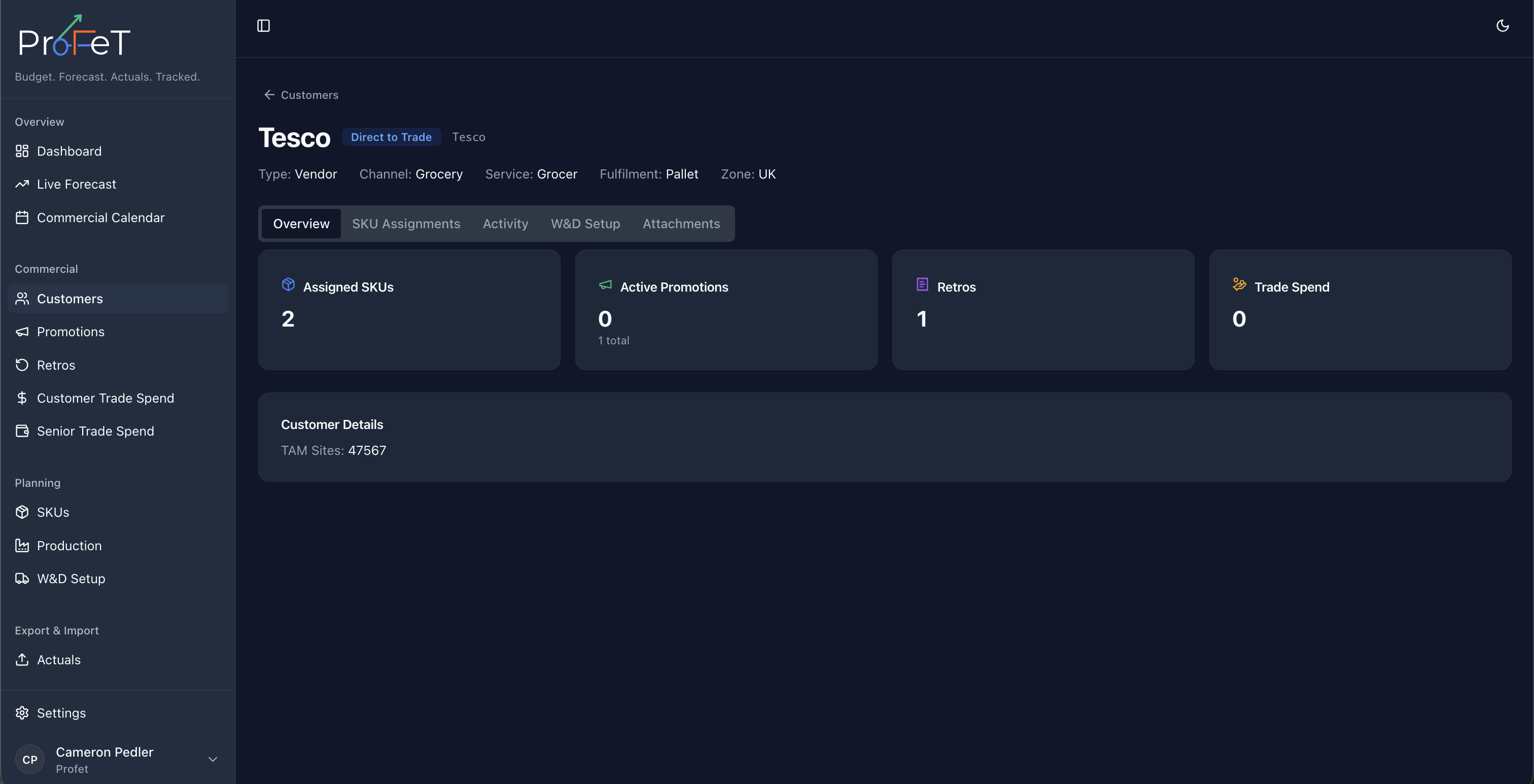
| TAM Sites | Total addressable market — number of stores/sites the customer operates |
| Address | Customer’s physical address |
The commercial model determines which fulfilment methods are available. For example, Export customers use Container fulfilment.
SKU Assignments
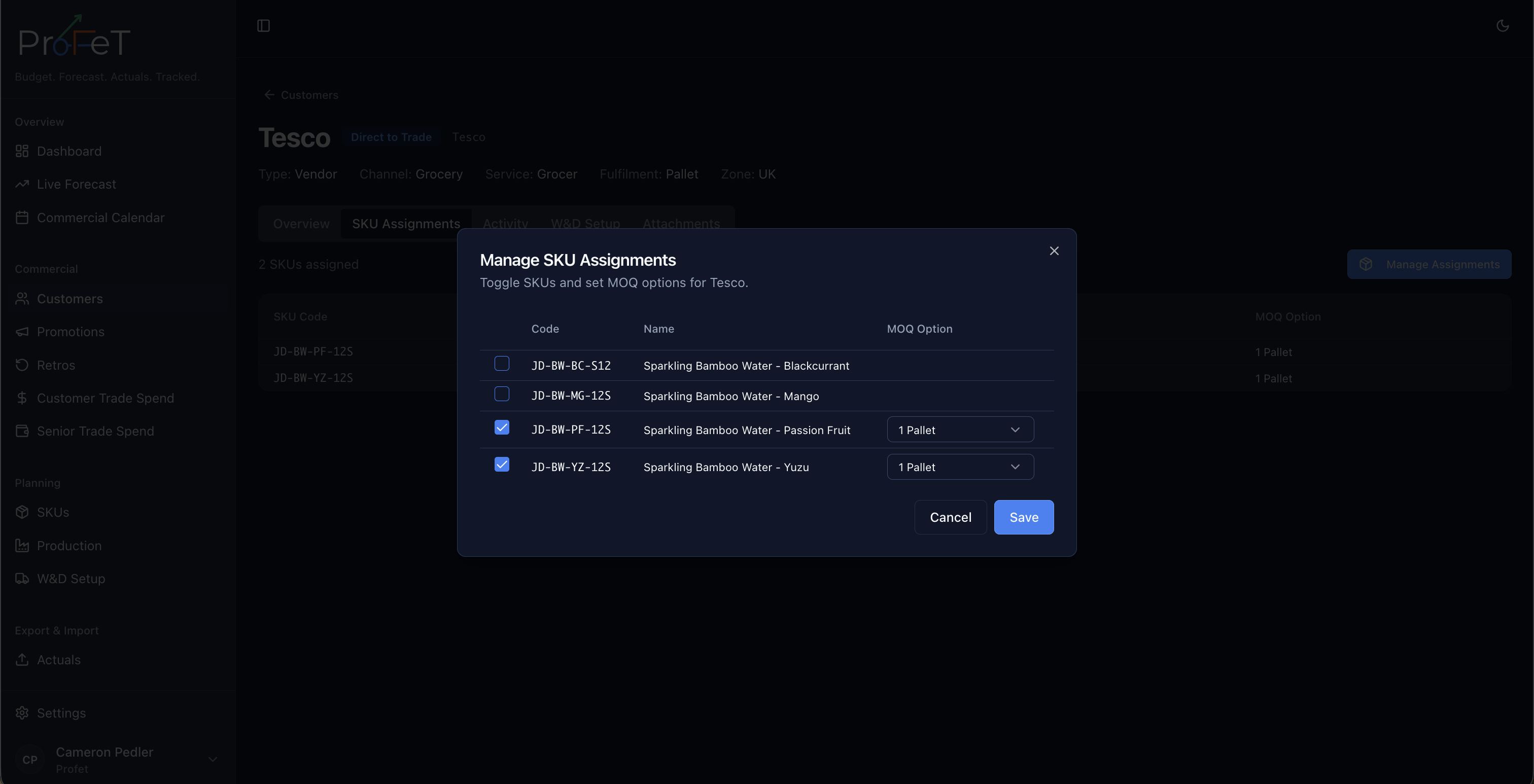
Each customer needs to have SKUs assigned before you can forecast for that customer × SKU combination. On the customer detail page, manage which products are available to this customer.
For each assignment you can configure:
- Commercial MOQ — The minimum order quantity for this customer, based on their fulfilment method (parcel, layer, pallet, or container)
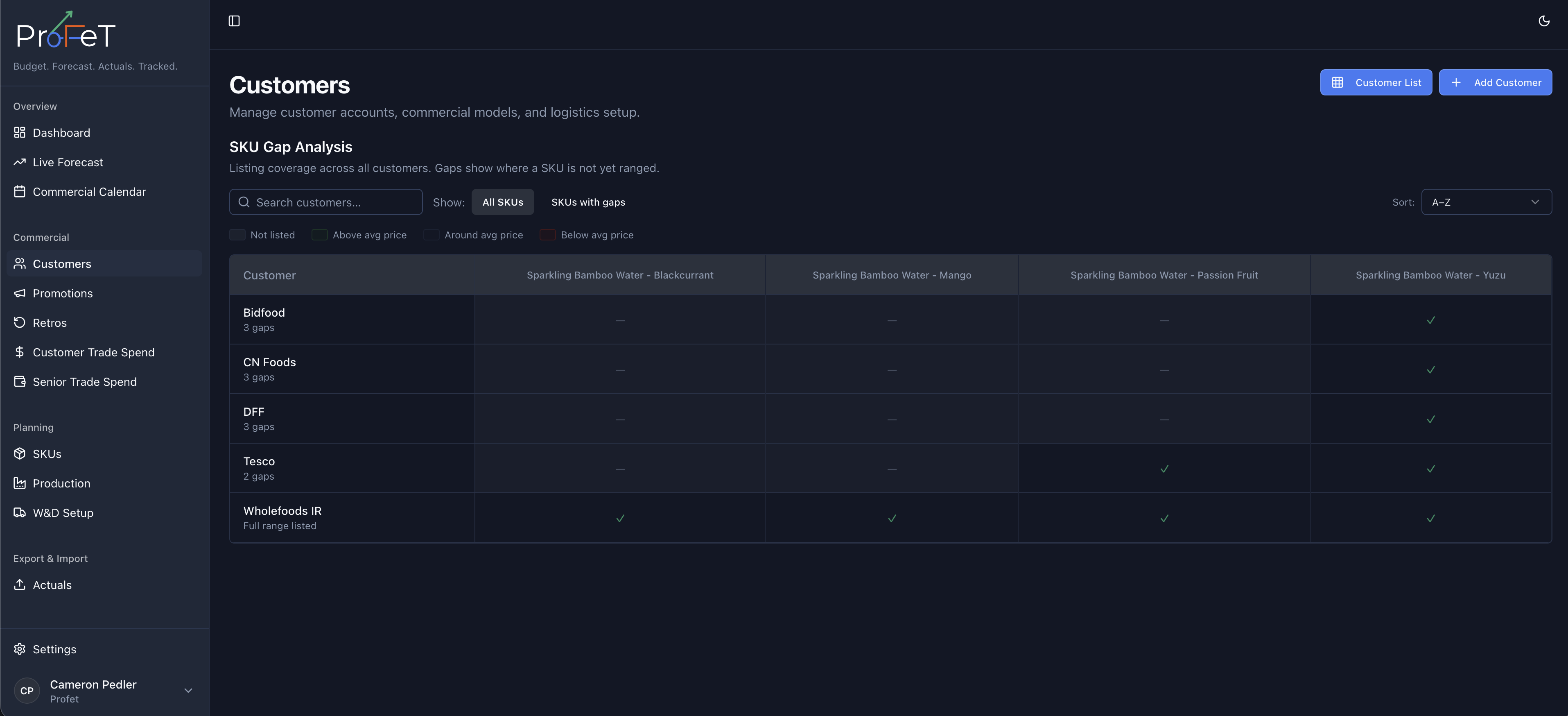
SKU assignments also drive the SKU Gap Analysis — a matrix view showing which SKUs are assigned to which customers, helping you spot distribution gaps.
Attachments
Upload documents related to a customer — contracts, rate agreements, terms & conditions, or any other files. Attachments are stored securely and accessible from the customer detail page.
Editing & Deleting
Click any customer in the list to edit their details. All fields can be updated. Delete a customer when it’s no longer active — note that this affects any linked forecasts or sales records.
How Customers Connect to Other Features
Customers are referenced throughout ProFeT:
- Forecast Builder — Select a customer to build demand assumptions
- Promotions — Promotions are created per customer
- Retros — Retro agreements are linked to customers
- Trade Spend — Spend is allocated at the customer level
- Actuals — Sales are recorded against customers
- Dashboard — Filter performance by customer
Customers Screens