Trade Spend
Track marketing and promotional budget allocation at the customer and company level.
Trade spend represents the marketing and promotional investment you make to drive sales — sampling budgets, co-op advertising, promotional funding, and other commercial costs. ProFeT tracks trade spend at two levels: customer-level (linked to specific customers and SKUs) and overarching (company-wide allocation).
Customer Trade Spend
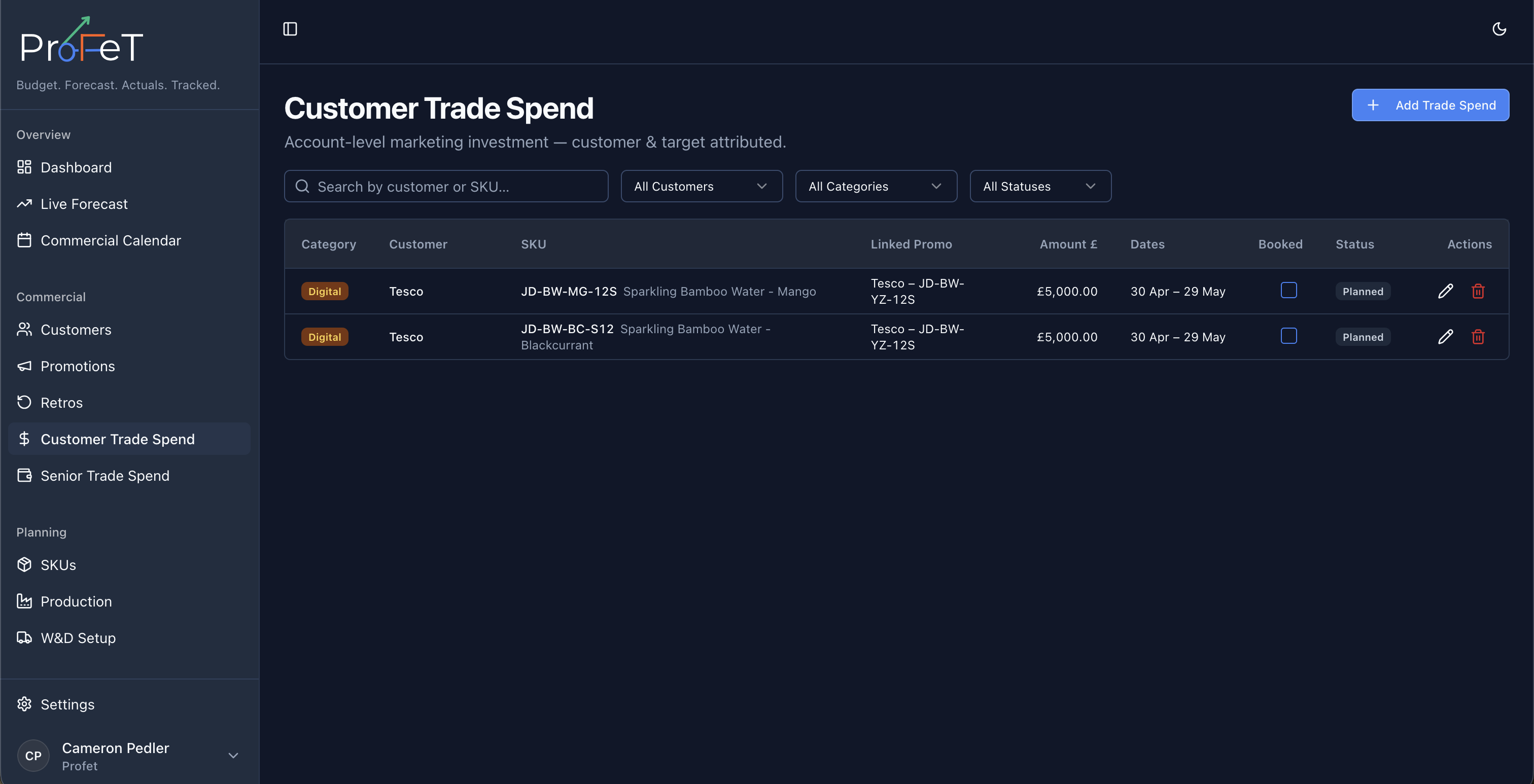
Navigate to Commercial → Trade Spend to manage spend allocated to specific customer × SKU combinations.
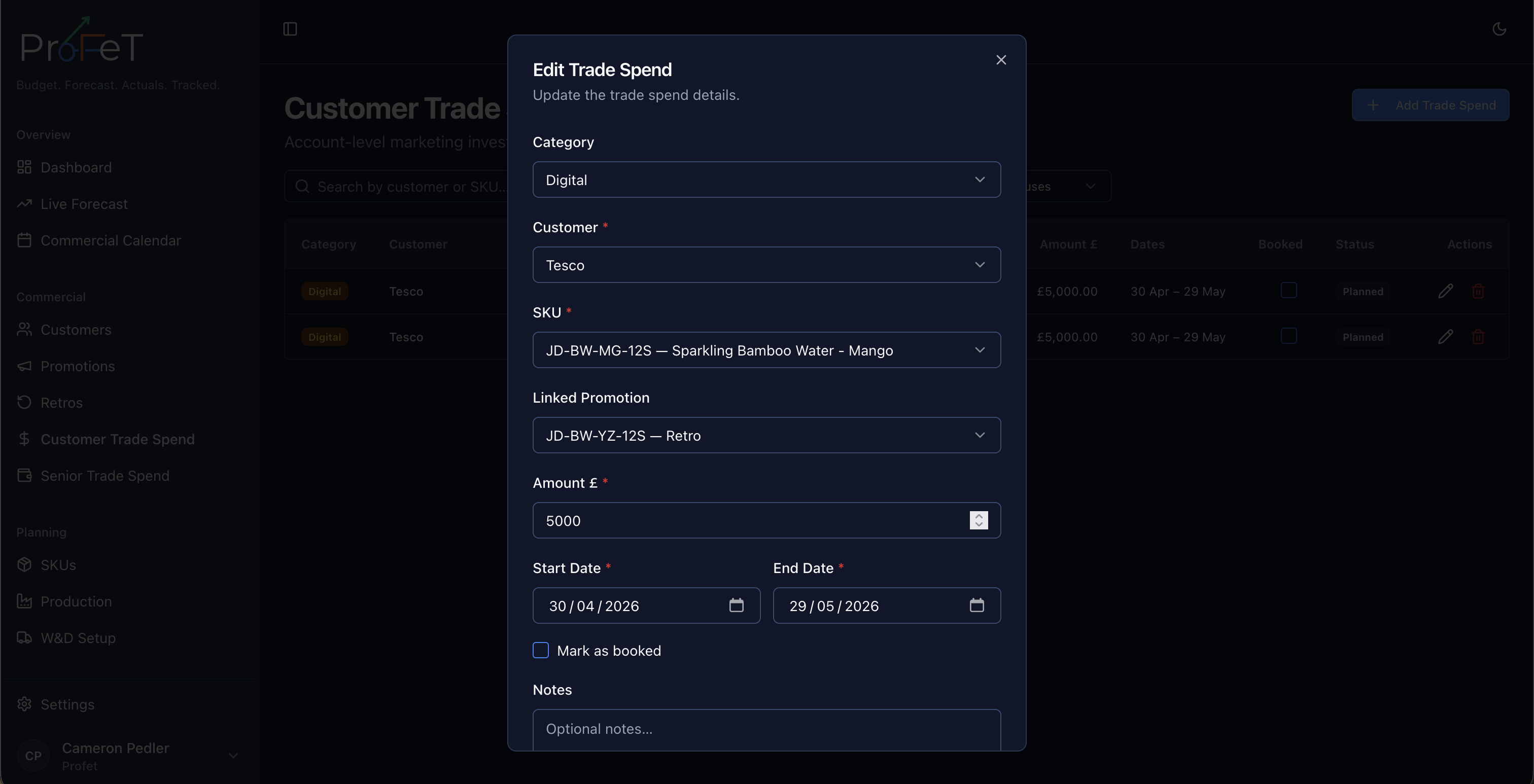
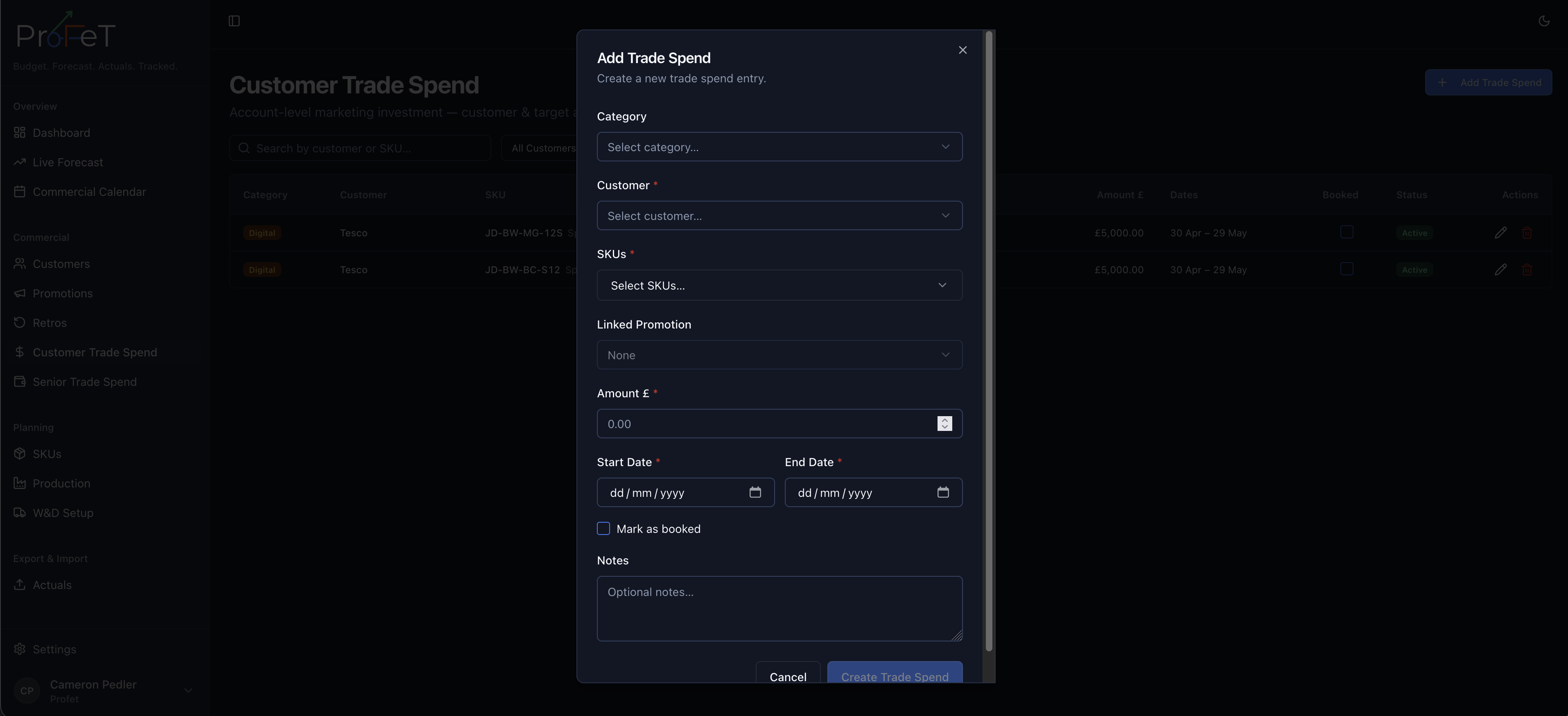
Creating a Trade Spend Entry
Click Add Trade Spend and fill in:
| Field | Description |
|---|---|
| Customer | Which customer the spend supports |
| SKU | Which product the spend is allocated to |
| Amount | The spend amount (£) |
| Category | Type of spend (e.g. Marketing, Sampling, Co-op) |
| Start Date | When the spend period begins |
| End Date | When it ends |
| Promotion | (Optional) Link to a specific promotion this spend supports |
| Notes | Context or business rationale |
Linked to Promotions
Trade spend entries can be linked to a specific promotion. This creates a traceable connection between the money invested and the promotional deal it funds. Unlinked trade spend is treated as standalone commercial investment.
Booking Status
Like other commercial records, trade spend follows a status workflow:
- Planned — Budgeted but not committed
- Booked — Confirmed and committed
- Active — Currently within the spend period
- Completed — Past the end date
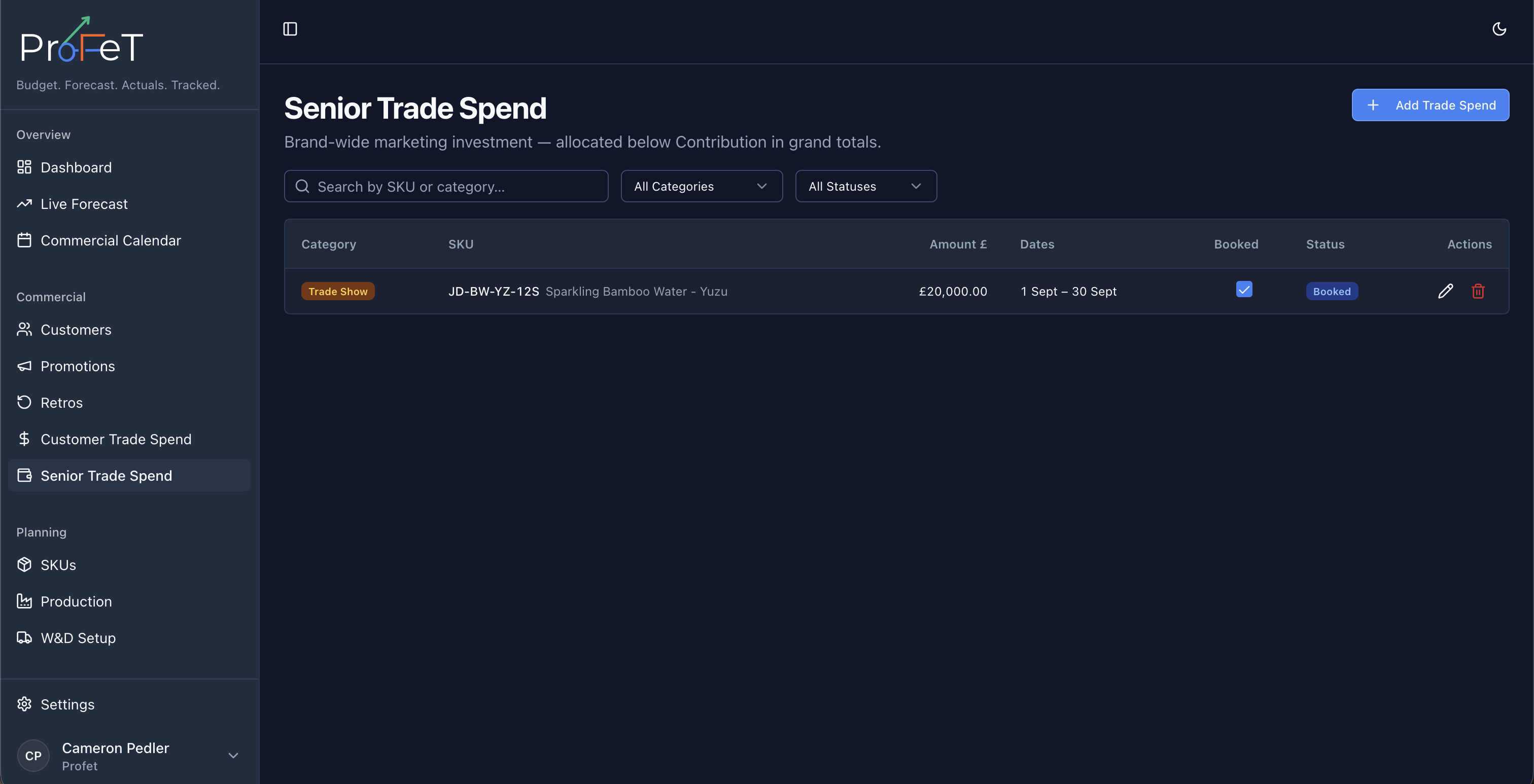
Overarching Trade Spend
Navigate to Commercial → Overarching Trade Spend for company-level spend that isn’t tied to a specific customer.
This is useful for:
- Brand-level marketing campaigns
- Category-wide promotional investment
- General trade budget allocation
- Overhead commercial costs
Overarching trade spend entries have the same fields as customer trade spend, except without a customer or promotion link.
How Trade Spend Affects the Forecast
Trade spend is allocated across forecast periods on a per-case basis. The forecast P&L includes trade spend as a cost line:
Contribution = NSV − COGS − W&D − Trade SpendHigher trade spend reduces contribution but should (ideally) drive higher volumes through promotional activity, increasing GSV and NSV.
How Trade Spend Appears Across ProFeT
| Where | What’s Shown |
|---|---|
| Dashboard | Total trade spend as a KPI tile with comparison |
| Live Forecast | Trade spend per case on each forecast line |
| Forecast Builder | Trade spend per case input in the P&L preview |
| Commercial Calendar | Trade spend entries on the unified timeline |
Trade Spend Screens